













































Introducing Discount Scheduling
 Mirash T
Schedule your Discounts!
With Sapaad’s all-new, super flexible discount scheduler, gain full control of your discounts. Now, you can easily plan and set your discounts to run at specific times — certain days of the week, a date or time range, or a combination of both.
Easy to setup, easy to use!
You can set up a discount schedule easily while creating a new discount or editing an existing one. Visit Setup > Location Setup > Surcharges and Discounts to get started.
Schedule by Day of the Week
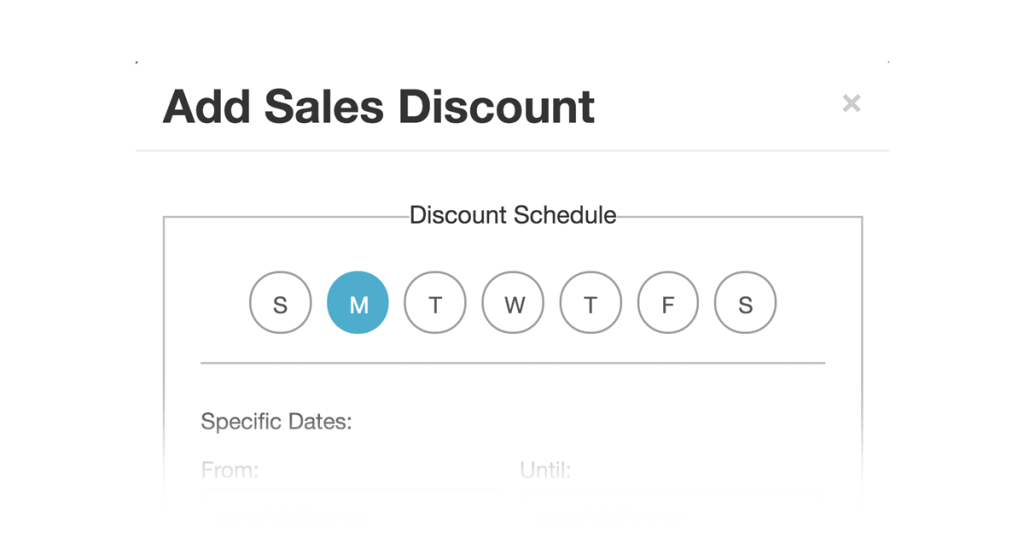
Select the days of the week that you want to run the discount e.g. every Monday.
By Date Range
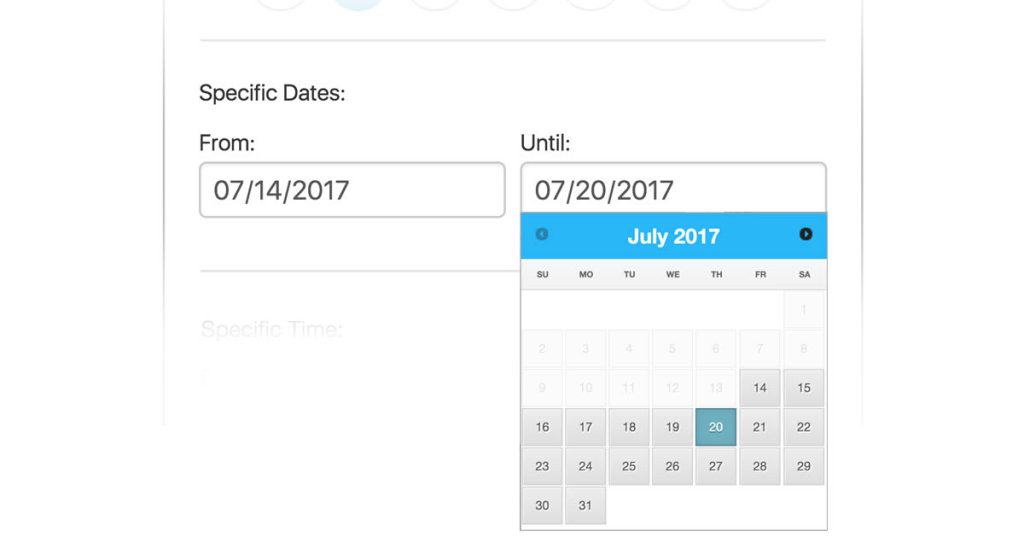
Select a date range when you want to offer the discount for e.g. the month of December or during Summer.
By Time of the Day
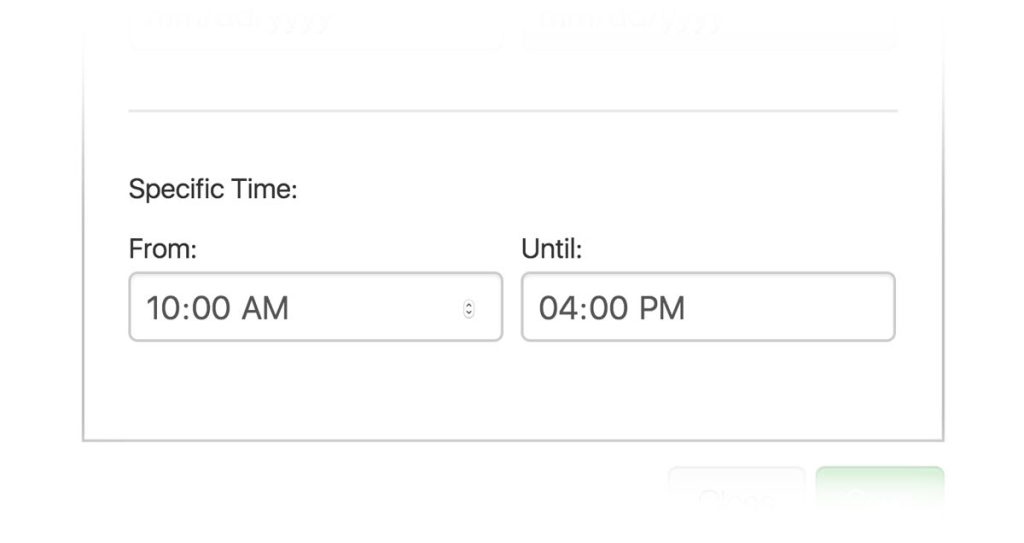
Set a time of the day you want to offer the discount. For e.g. A lunch hour or happy hour discount.
Or all of the above!
You can also schedule by a combination of Day of the Week, Date Range, and Time. For e.g. You’re offering a Happy Hour discount every weekday between 4 p.m. to 6 p.m. in the month of December.
Now, your discounts appear on your Point of Sale right on schedule. It’s super easy and intuitive!
Scheduled Discounts is a FREE update for all Sapaad customers and is available today!
Not using Sapaad yet?
Mirash T
Author

Related Blog Posts
















Get the latest news and updates
Submit your email address to join our email list.